Android & Summer Internship Training
Book Free Demo Class
Dev Technology Solutions offers Android App Development training in Salem, with classroom sessions at our centre in RBT Mall, Meyyanur Byepass Road, Salem, and live online classes. The 15-module syllabus covers Kotlin/Java Programming Fundamentals, Android UI Components & Layouts, Activities, Fragments & Navigation and Android UI Design & Material Components, with hands-on practice in every module and real-time project work at the end of the course.
The course suits students, freshers and developers who want to build and publish Android apps. It prepares you for roles such as Android Developer and Mobile App Developer. Placement training (resume building, mock interviews and coding tests) is part of the course, and you can book a free demo class before you enrol. For project experience, continue with our internship programs in Salem; related courses include iOS App Development Training in Salem and Core Java Training in Salem.
The Android Development Training Course at Dev Technology Solutions, Salem is designed to help
students and professionals build strong expertise in one of the world’s most widely used mobile
development platforms — Android. This comprehensive program covers everything from the fundamentals
of mobile app development to advanced Android technologies, enabling learners to create modern,
efficient, and user-friendly mobile applications. With millions of apps running on billions of
devices worldwide, Android remains the most in-demand skill for mobile developers, offering vast
career opportunities in software companies, product-based startups, and freelance development.
This course is structured to support learners at all levels — from beginners who are new to
programming to professionals seeking to expand their skill set. Training begins with the basics of
Java/Kotlin programming, laying the foundation for Android development. Students learn essential
concepts including variables, data types, control statements, object-oriented programming, and
mobile development principles such as activities, intents, layouts, and UI components. These
concepts help learners understand how Android apps are structured and how they interact with users
and the system.
As the course progresses, learners dive into core Android components such as Fragments, RecyclerView,
ViewModel, LiveData, and Jetpack libraries. Students gain hands-on experience building dynamic,
data-driven mobile applications, integrating APIs, handling local storage using SQLite and Room
Database, and optimizing app performance. Advanced topics such as Firebase integration, Push
Notifications, Material UI design, background services, and app deployment on the Google Play Store
prepare learners for real-world development and industry standards.
Dev Technology Solutions provides flexible batch timings for all students in Salem. Choose a daily evening batch or a weekend batch, in the classroom or online. If this schedule doesn’t match your timing, please let us know — we’ll arrange one that suits your convenience.

Can’t find a batch that fits your timing?
Our Android App Development trainers at Dev Technology Solutions teach Android app development with Kotlin and Java through practical sessions: each topic is explained, demonstrated and then practised on real examples, with doubt-clearing and reviews of your work.
Sessions are led by trainers with 8+ years of hands-on experience in Android app development with Kotlin and Java. Read about our trainers on the About Us page.
Alongside the technical modules, trainers help you prepare for interviews for roles such as Android Developer and Mobile App Developer, using the projects you build during the course.
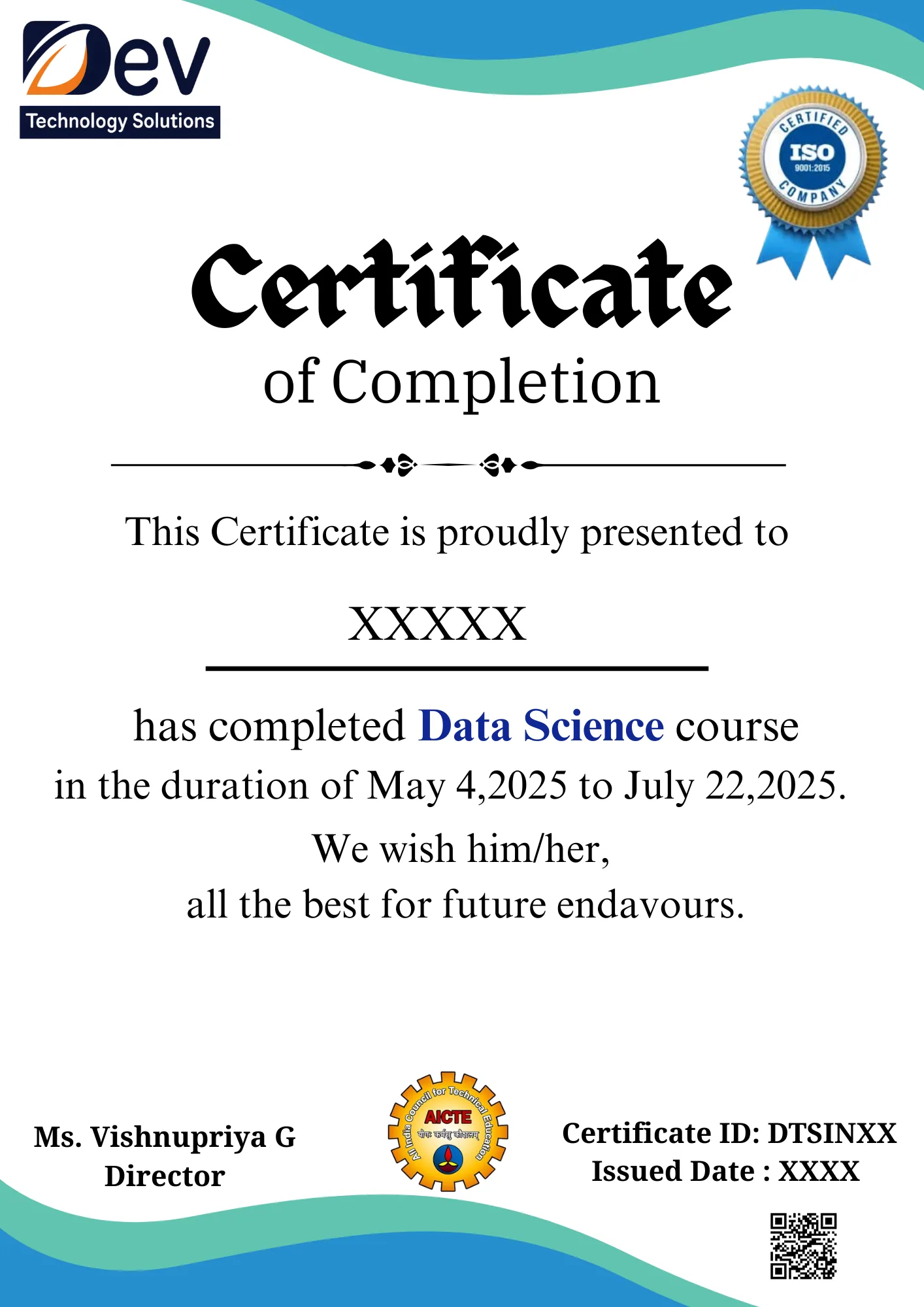
After you complete the Android App Development training and its project work, Dev Technology Solutions issues a course completion certificate. Employers can check it on our certificate verification page.
The certificate records the Android App Development skills you practised, including Kotlin/Java Programming Fundamentals, Android UI Components & Layouts and Activities, Fragments & Navigation, and you can add it to your resume and LinkedIn profile together with the code of your course project.
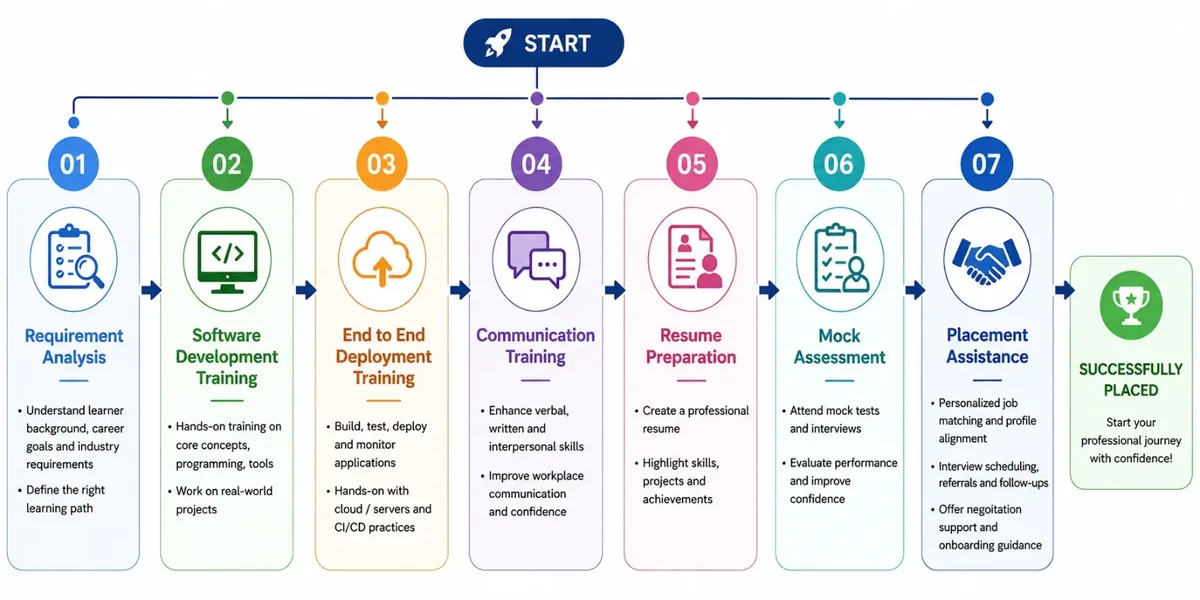
Placement training is included, so you also practise presenting your certificate and project work in interviews, with resume reviews and mock interviews before you apply for jobs.
The syllabus has 15 modules: Introduction to Android, Kotlin/Java Programming Fundamentals, Android UI Components & Layouts, Activities, Fragments & Navigation, Android UI Design & Material Components, RecyclerView & Advanced UI, Android Data Storage, Networking & REST API Integration, Jetpack Architecture Components, Firebase Integration, Background Tasks & Services, Android Security & App Configuration, Testing & Debugging, Real-Time Android Projects and Android Interview & Practical Assessment.
Both. You can attend classroom sessions at our centre in RBT Mall, Meyyanur Byepass Road, Salem, or join live online classes.
A daily batch (Monday to Sunday) runs at 6:00 PM IST, 1 hour 30 minutes per session. Weekend batches run on Saturday at 10:00 AM IST (3 hours) and Sunday at 5:00 PM IST (2 hours). If none of these suit you, we can arrange a batch at a time that works for you.
The course suits students, freshers and developers who want to build and publish Android apps.
Yes. After you finish the training and project work, you receive a Dev Technology Solutions course completion certificate, which employers can check on our certificate verification page.
Yes. Placement training and assistance include resume building, mock interviews, coding tests and job referrals, to prepare you for roles such as Android Developer and Mobile App Developer.
Fees depend on the course and batch, so call +91-74021-01006 or contact us for the current fee. You can pay by card, net banking or UPI, digital wallet, EMI or cash.
Yes. Book a free demo class on this page or call +91-74021-01006.
More questions? See our general FAQs or contact our Salem team.