MS SQL Server & Summer Internship Training
Book Free Demo Class
Dev Technology Solutions offers MS SQL Server training in Salem, with classroom sessions at our centre in RBT Mall, Meyyanur Byepass Road, Salem, and live online classes. The 13-module syllabus covers MS SQL Server Installation & Setup, SQL Fundamentals, Filtering, Sorting & Aggregation and Database Design & Relationships, with hands-on practice in every module and real-time project work at the end of the course.
The course suits students, freshers, .NET developers and analysts who want to work with SQL Server databases. It prepares you for roles such as SQL Server Developer, Database Developer and MIS / Report Developer. Placement training (resume building, mock interviews and coding tests) is part of the course, and you can book a free demo class before you enrol. For project experience, continue with our internship programs in Salem; related courses include .NET Full Stack Training in Salem and Oracle SQL & PL/SQL Training in Salem.
The MS SQL Server Training Course at Dev Technology Solutions, Salem is designed
to help students and professionals build expertise in one of the most powerful enterprise relational database management systems — Microsoft SQL Server.
This comprehensive program covers everything from SQL fundamentals to advanced database administration concepts,
enabling learners to design, manage, and optimize enterprise-level databases for real-world business applications.
This course is carefully structured to support learners of all levels — from beginners with no prior database knowledge
to professionals looking to transition into database administration and backend development roles.
Training begins with database fundamentals, relational database concepts, SQL syntax, and table creation.
Students also gain practical exposure to SQL Server Management Studio (SSMS), query execution, data manipulation,
and real-time database workflows.
As the course progresses, learners dive into the core areas of MS SQL Server such as joins, subqueries,
stored procedures, functions, triggers, normalization, indexing, database security, backup and recovery,
and performance tuning. Students work on real-time projects to build database-driven applications,
manage enterprise databases, and implement secure and scalable database solutions using Microsoft SQL Server technologies.
Dev Technology Solutions provides flexible batch timings for all students in Salem. Choose a daily evening batch or a weekend batch, in the classroom or online. If this schedule doesn’t match your timing, please let us know — we’ll arrange one that suits your convenience.

Can’t find a batch that fits your timing?
Our MS SQL Server trainers at Dev Technology Solutions teach Microsoft SQL Server development through practical sessions: each topic is explained, demonstrated and then practised on real examples, with doubt-clearing and reviews of your work.
Sessions are led by trainers with 10+ years of hands-on experience in Microsoft SQL Server development. Read about our trainers on the About Us page.
Alongside the technical modules, trainers help you prepare for interviews for roles such as SQL Server Developer, Database Developer and MIS / Report Developer, using the projects you build during the course.
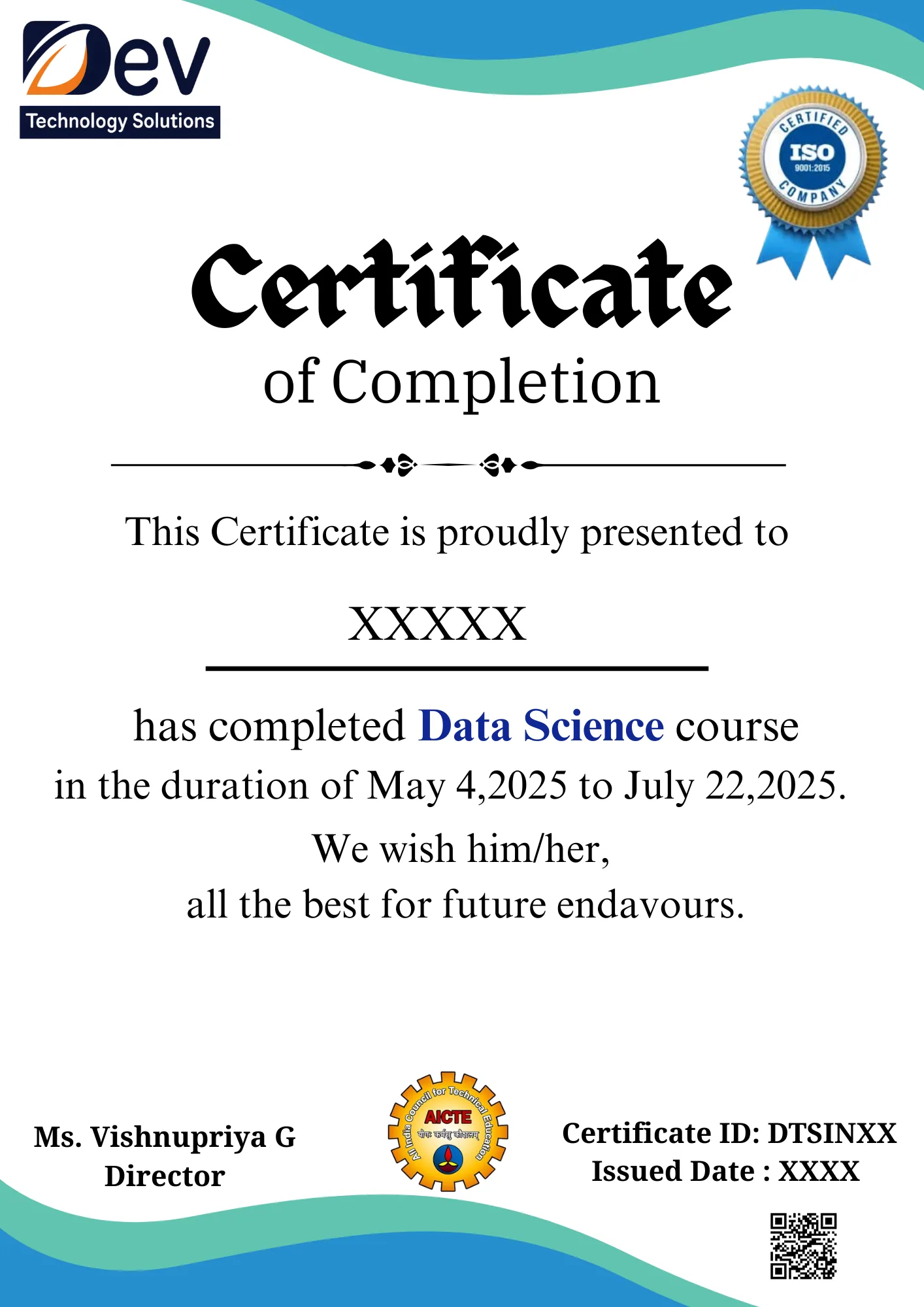
After you complete the MS SQL Server training and its project work, Dev Technology Solutions issues a course completion certificate. Employers can check it on our certificate verification page.
The certificate records the MS SQL Server skills you practised, including MS SQL Server Installation & Setup, SQL Fundamentals and Filtering, Sorting & Aggregation, and you can add it to your resume and LinkedIn profile together with the code of your course project.
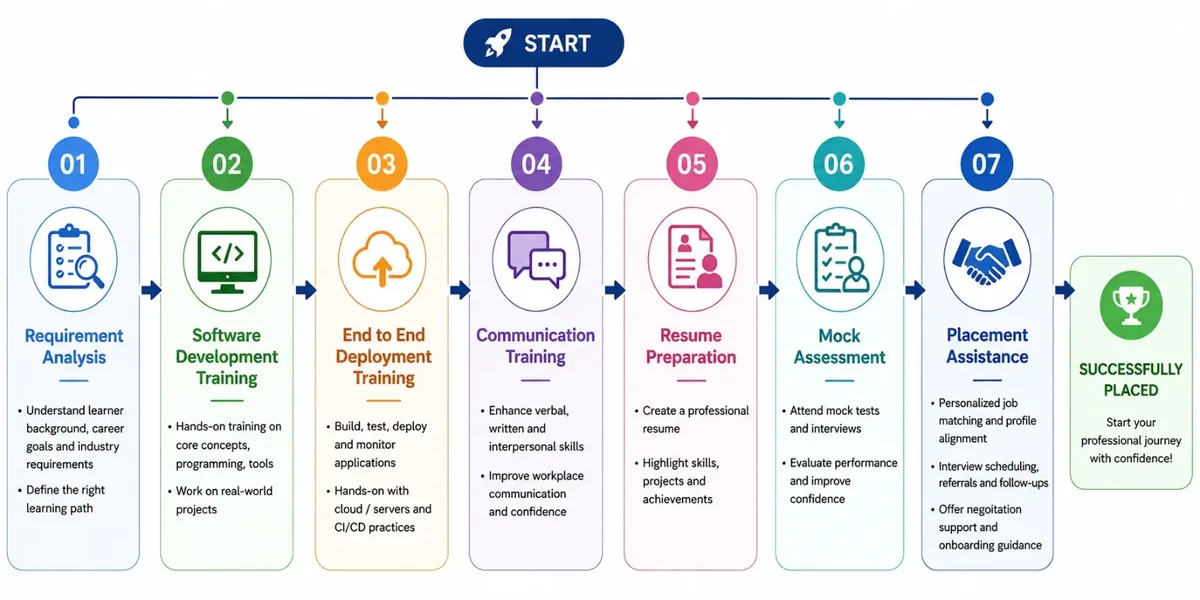
Placement training is included, so you also practise presenting your certificate and project work in interviews, with resume reviews and mock interviews before you apply for jobs.
The syllabus has 13 modules: Introduction to Databases, MS SQL Server Installation & Setup, SQL Fundamentals, Filtering, Sorting & Aggregation, Database Design & Relationships, Joins & Subqueries, Views, CTEs & Window Functions, Stored Procedures & Functions, Triggers & Transactions, Indexing & Performance Tuning, Database Security & Backup, Real-Time MS SQL Projects and SQL Server Interview & Practical Assessment.
Both. You can attend classroom sessions at our centre in RBT Mall, Meyyanur Byepass Road, Salem, or join live online classes.
A daily batch (Monday to Sunday) runs at 6:00 PM IST, 1 hour 30 minutes per session. Weekend batches run on Saturday at 10:00 AM IST (3 hours) and Sunday at 5:00 PM IST (2 hours). If none of these suit you, we can arrange a batch at a time that works for you.
The course suits students, freshers, .NET developers and analysts who want to work with SQL Server databases.
Yes. After you finish the training and project work, you receive a Dev Technology Solutions course completion certificate, which employers can check on our certificate verification page.
Yes. Placement training and assistance include resume building, mock interviews, coding tests and job referrals, to prepare you for roles such as SQL Server Developer, Database Developer and MIS / Report Developer.
Fees depend on the course and batch, so call +91-74021-01006 or contact us for the current fee. You can pay by card, net banking or UPI, digital wallet, EMI or cash.
Yes. Book a free demo class on this page or call +91-74021-01006.
More questions? See our general FAQs or contact our Salem team.